
.png)

Legacy Platform Modernization for PSPs & CCM Operations
Modernize FoxPro, VB6, and COBOL Applications Without Disrupting Production
Many print service providers, direct mail organizations, and CCM teams still rely on FoxPro, VB6, and COBOL applications to run critical production workflows. These systems may still work, but they increasingly limit integration, visibility, scalability, and maintainability.
Evoxify modernizes legacy applications while preserving the business logic, workflows, and operational knowledge your teams depend on — so you can move forward without disrupting production.
Platforms We Modernize

FoxPro
Legacy applications supporting mailing operations, list processing, job management, reporting, and workflows.

VB6
Production scheduling, operational tools, reporting applications, internal utilities, and workflow systems.

COBOL
Business rules, batch processing, billing, reporting, and mission-critical transaction workflows.
Legacy Platform Modernization for PSPs & CCM Operations
From Legacy Applications to a Connected Operations Platform
We modernize the systems around your existing business logic — connecting workflows, data, APIs, reporting, and operational tools without forcing a disruptive rebuild.
Preserve What Works
Retain proven business logic, workflows, and operational knowledge.

Minimize Disruption
Modernize in controlled stages around production requirements.
Improve Connectivity
Make it easier to integrate with modern platforms, APIs, and systems.

Build for the Future
Create a scalable foundation for new workflows, automation, and growth.
Why PSPs Decide to Modernize
The legacy application may still work. The limitations around it are what create the risk.
Legacy Operations Create Hidden Friction
Disconnected systems, manual handoffs, siloed data, and limited visibility make everyday changes slower and riskier.

Your teams are doing more, with less visibility and more risk.

Knowledge Lives With Too Few People
Critical application knowledge often sits with one developer or long-time employee, making changes and troubleshooting risky.

New Integrations Become Difficult
Connecting APIs, portals, CRM, postal services, and modern CCM tools often requires fragile workarounds.

Operations Lack Real-Time Visibility
Legacy applications rarely provide the dashboards, alerts, and reporting teams need to monitor production.

Changes Take Too Long
Even small enhancements can require significant effort because the application was never built for today’s operational needs.
Scaling Increases Operational Risk
Higher volumes and changing client requirements create more dependencies, exceptions, and maintenance overhead.
Frequently Asked Questions
How long does a legacy application modernization project take?
Can FoxPro, VB6, and COBOL applications be modernized without replacing everything?
What types of legacy applications does Evoxify modernize?
How do you preserve existing business logic during modernization?
Can modernization be completed without disrupting production?
Do you support the modernized application after launch?
Start With a Conversation, Not a Commitment
Every legacy environment is different. Before recommending a migration or rebuild, we first understand what your applications do, how your teams use them, and which production processes depend on them.
The goal is to identify what should be preserved, what should be modernized, and where change can deliver the most value with the least disruption.
No obligation. No disruption. Just a practical discussion.
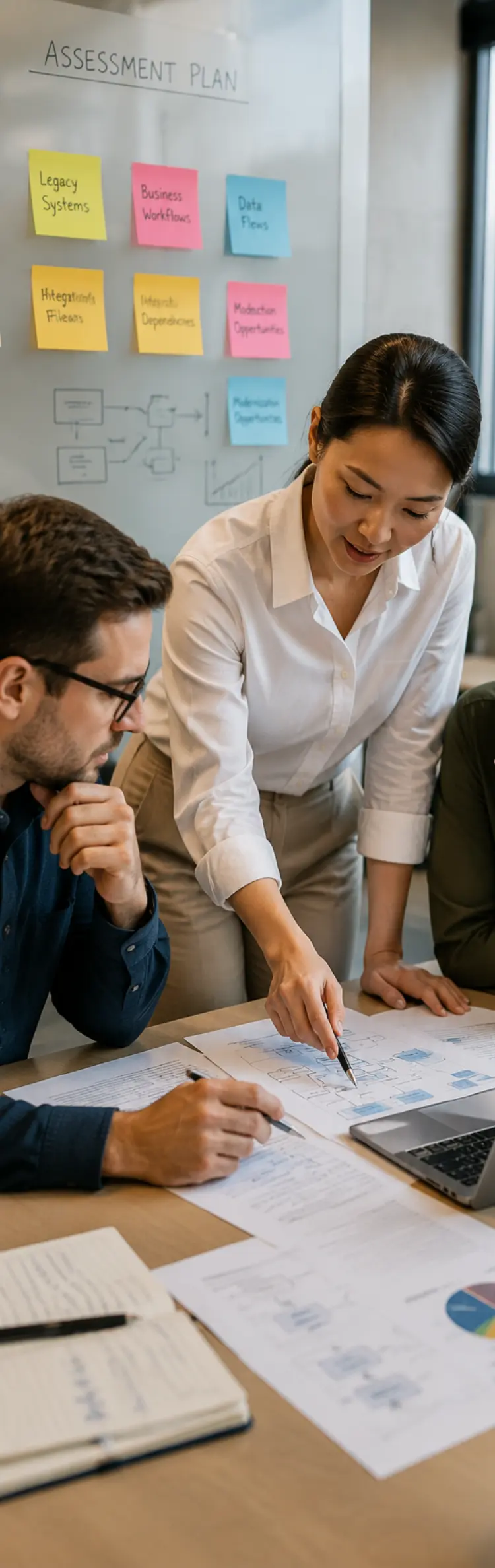
What We'll Assess
Legacy Applications
Review the applications, technologies, databases, and dependencies in your current environment.
Business Logic and Workflows
Understand the rules, processes, and operational knowledge your teams rely on every day.
Integrations and Data Flows
Map how applications exchange data with CCM platforms, portals, APIs, postal services, and other systems.
Production Dependencies
Identify critical schedules, processes, handoffs, and systems that cannot be disrupted.
Modernization Opportunities
Prioritize the areas where modernization can reduce risk, improve visibility, and make future changes easier.


© by Evoxify | All Rights Reserved.
.svg)

.svg)

